Manuscript audit parses the embedded References section in your draft. When that block is messy, L1 resolution and Sanad inherit bad cite→ref mapping. The bibliography bridge lets you curate references in Bibliography mode, then audit from your verified library.
When to use it
Workflow
Open Bibliography
Switch header mode to Bibliography.
Import or send references
Import
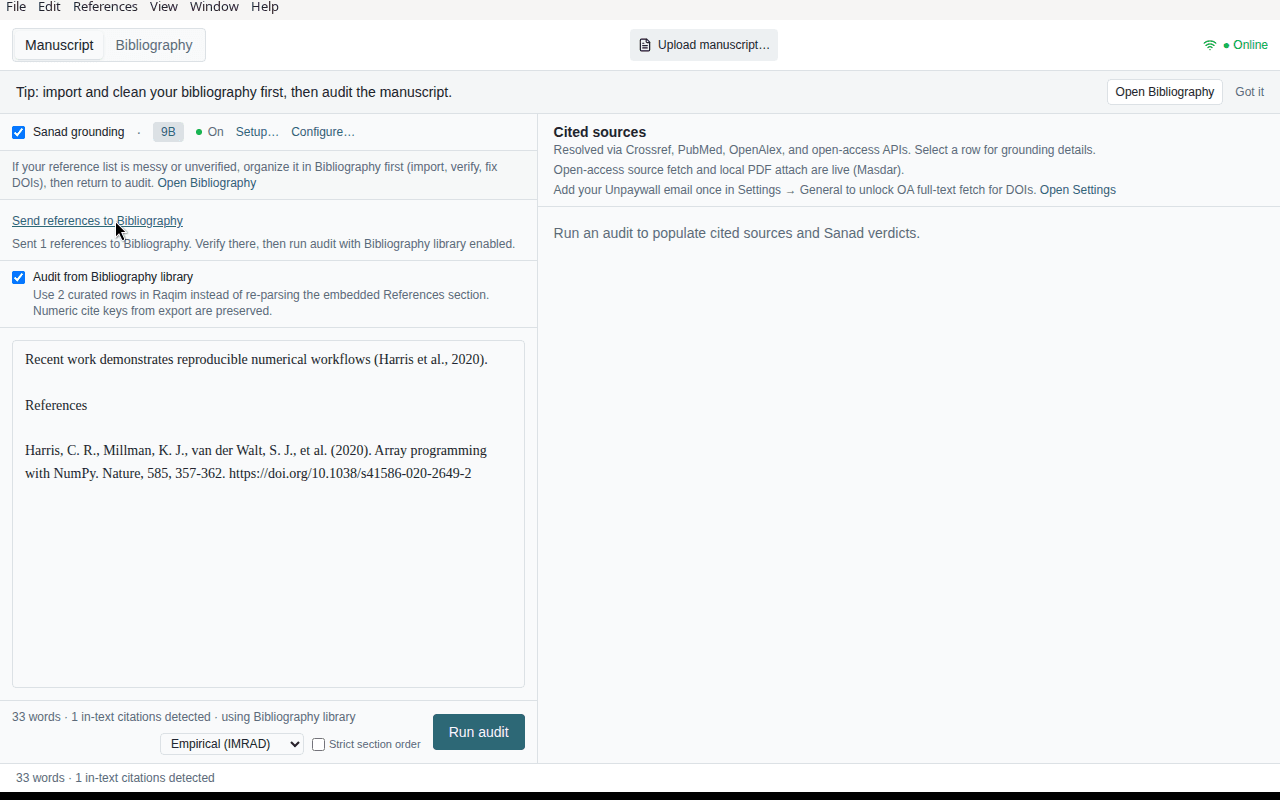
.bib/ RIS / DOCX / PDF, paste a list, or send manuscript References to Bibliography from Manuscript mode.Verify and fix
Run Verify references (Ctrl+Shift+V). Fix mismatch cards, autocorrect, dedupe.
Return to Manuscript
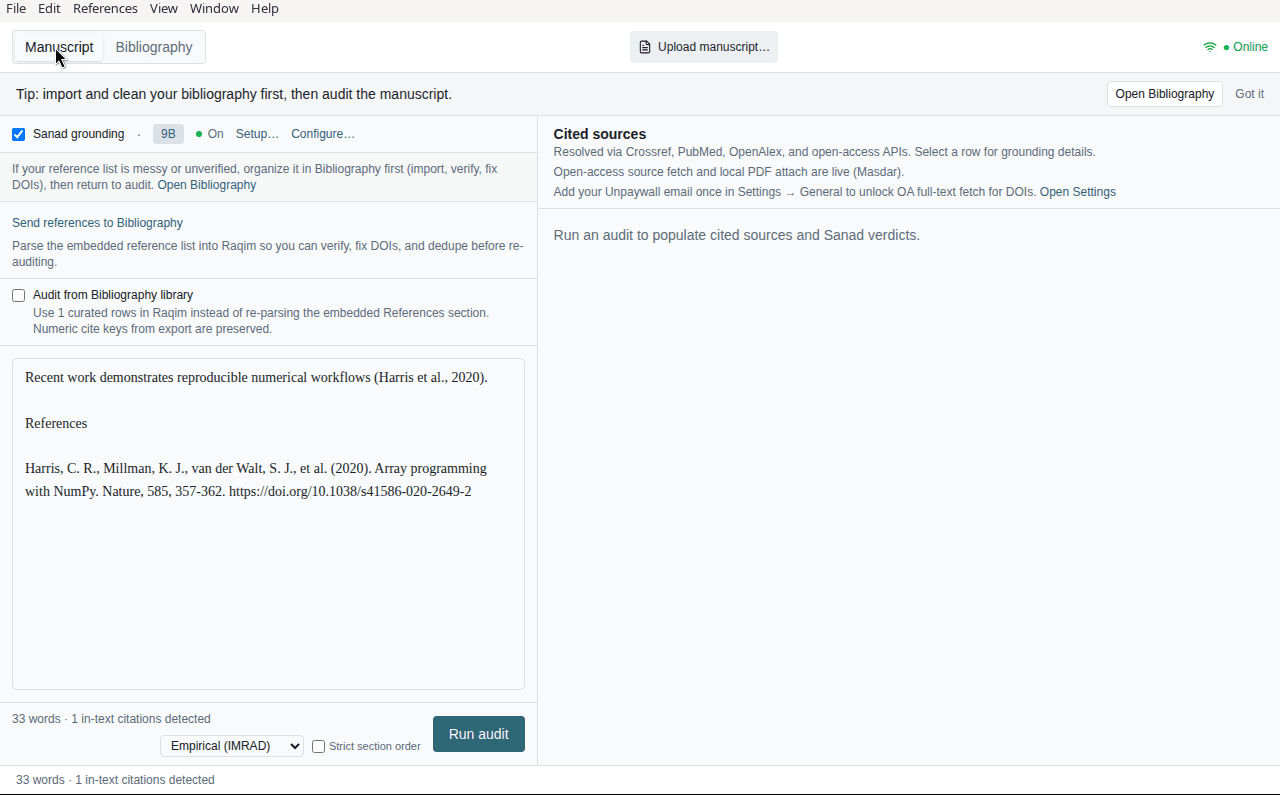
Switch back to Manuscript. Enable Audit from Bibliography library when offered.
Run audit
Run audit — numeric cite keys are preserved via
manuscript-ref:Nids.
Cite-key preservation
When you export references from the manuscript loop to Bibliography:
- Numeric in-text cites map to stable
manuscript-ref:Nids - Re-imported rows keep alignment with
[1],[2], … style citations - Author–year cites can match manually imported rows without export
Unpaywall and source text
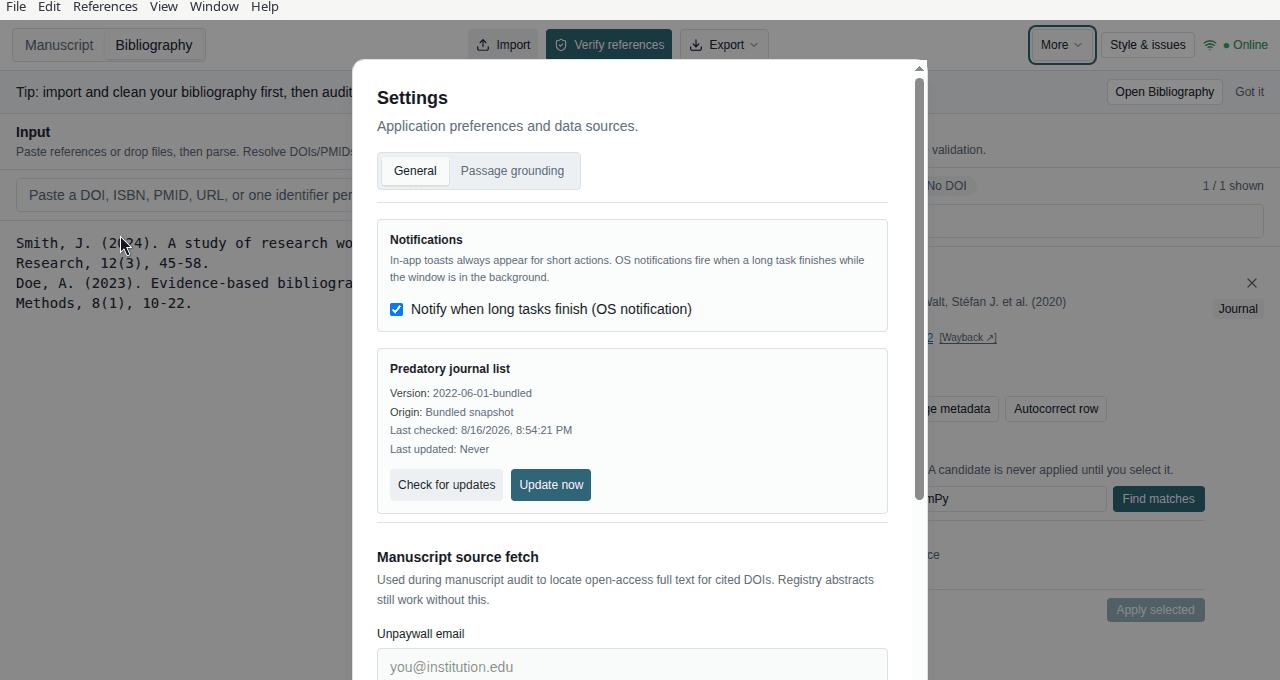
Curating DOIs in Bibliography improves L1 before audit. For richer Sanad input, set Settings → General → Manuscript source fetch (Unpaywall email) so OA full text can be fetched during audit.
Related pages
- User guide — bibliography-first section
- How-to guide — verify and export in Bibliography mode
- Manuscript loop